How AI Image Prompts Improve Creative Direction
Figuring out how to get AI to generate the images you actually want can feel like a quest. But the good news is, with the right approach to your……
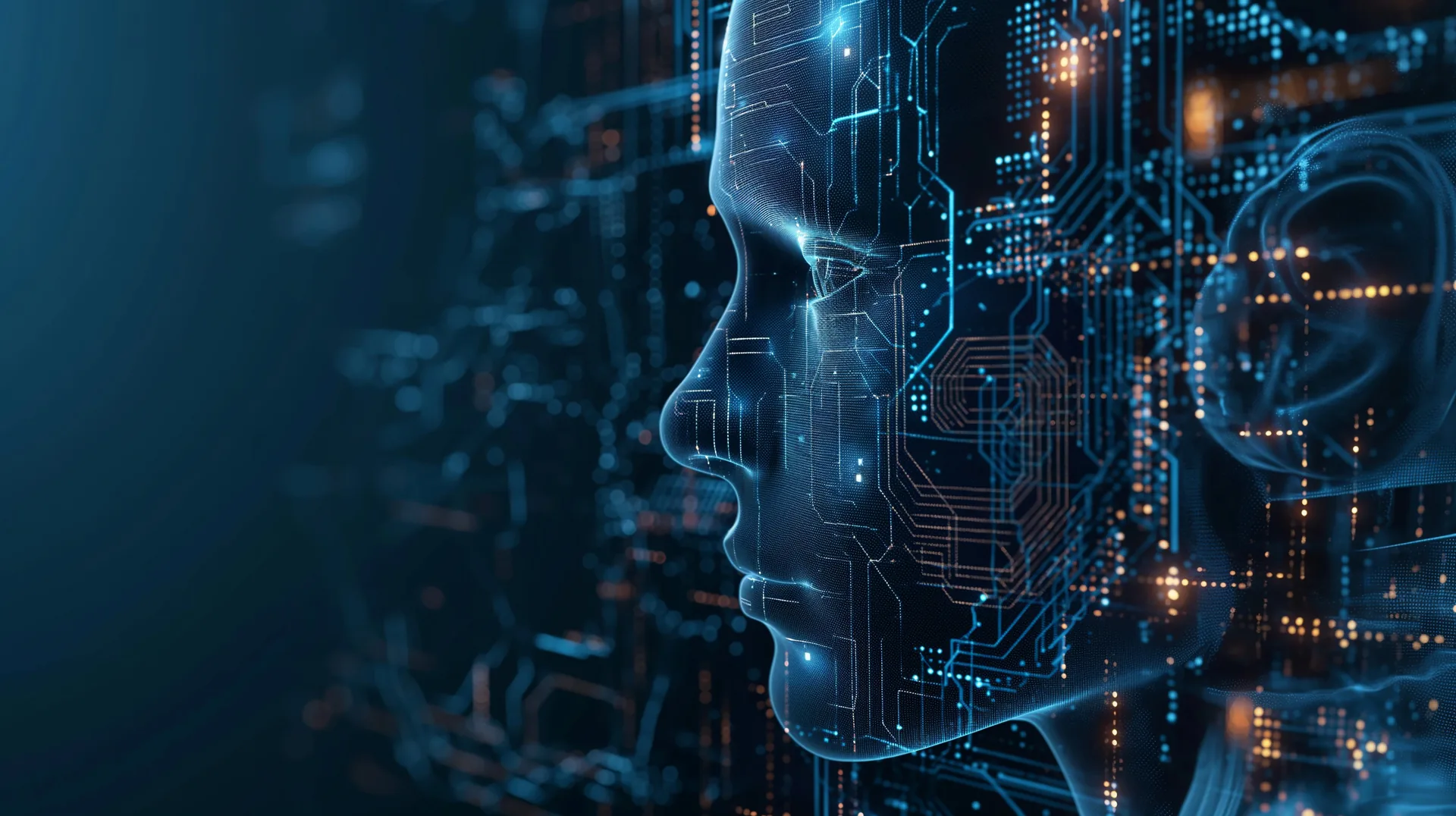
Figuring out how to get AI to generate the images you actually want can feel like a quest. But the good news is, with the right approach to your prompts, AI image generation can become a powerful partner in shaping your creative direction, not just a random image machine. It’s less about shouting commands and more about having a clear, collaborative conversation with the AI.
Think of an AI image prompt as a detailed brief for a visual artist. Just like you wouldn’t give a designer a single word and expect a masterpiece, you can’t expect magic from a bare-bones prompt. The more specific and nuanced you are, the better the AI understands your vision. This isn't just about listing objects; it’s about conveying mood, style, and even the underlying emotion you want to evoke.
Deconstructing the Visual Narrative
When you’re crafting a prompt, it’s helpful to break down what you actually need. Instead of thinking “beach,” think about the kind of beach experience you envision. Is it a serene sunrise with soft pastels, or a stormy afternoon with dramatic waves?
Setting the Scene: Environment and Atmosphere
The environment is the stage for your image. Be descriptive about the location, time of day, and weather.
Specific Location Details
Instead of "forest," try "ancient redwood forest with shafts of sunlight piercing the dense canopy." This instantly sets a mood and provides visual cues.
Time and Light
"Golden hour" is useful, but "the last rays of a setting sun casting long, dramatic shadows across a dusty desert landscape" is far more evocative. Consider the quality of light: harsh midday sun, soft dawn glow, flickering candlelight.
Weather Conditions
"Rainy" can be interpreted in many ways. "A gentle, misty rain on a cobblestone street" creates a different feeling than "a torrential downpour with lightning illuminating a gothic cityscape."
Defining the Subject: Form, Function, and Feeling
Once your scene is set, bring your subject(s) to life. This involves more than just identifying what they are; it’s about their appearance, their posture, and what they represent.
Visual Descriptors for Subjects
Think about texture, material, color, and any unique features.
Material and Texture
Instead of "a statue," try "a weathered bronze statue of a knight, showing signs of verdigris and pitted surfaces." This adds depth and historical context.
Color Palettes
You can specify colors directly, or imply them through descriptions. "A vibrant scene with electric blues and fiery oranges" is a direct approach. "A feeling of warmth and contentment, depicted through soft amber and golden hues" is more abstract but still guides the AI.
Pose and Expression
For characters, their pose and expression are crucial. "A person standing, looking thoughtful" is vague. "A figure sitting on a worn leather armchair, gazing out of a rain-streaked window with a pensive expression, holding a steaming mug" paints a much clearer picture.
Prompt Engineering: The Iterative Process of Refinement
AI image generation isn't a one-and-done affair. It's almost always an iterative process where you refine your prompts based on the initial outputs. This is where the "engineering" part comes in. You learn what keywords and phrasing work best with a particular AI model to nudge it closer to your desired outcome.
Understanding AI Model Tendencies
Different AI models have their quirks and biases. Some excel at photorealism, while others are fantastic for abstract art or specific illustrative styles. Learning these tendencies helps you tailor your prompts accordingly.
Learning Your AI's Strengths
Experiment with prompts that play to the AI's known strengths. If it's good with realistic textures, lean into that. If it’s known for fantastical elements, don’t shy away from them.
Leveraging Style Presets and Keywords
Many AI interfaces allow you to specify artistic styles (e.g., "cinematic lighting," "surrealism," "anime," "watercolor"). Use these liberally.
Identifying and Avoiding Pitfalls
You’ll quickly learn which types of prompts lead to garbled or nonsensical images. Keep a mental note or even a physical log of these. For example, asking for too many conflicting elements at once can often confuse the AI.
Iterative Prompt Modification
This is the core of effective prompt engineering. You generate an image, analyze it, and then tweak your prompt to get a better result.
Analyzing Initial Outputs
Look at what the AI got right and what it missed. Did it capture the mood? Is the composition as you envisioned? Are the details accurate?
Pinpointing Areas for Improvement
If the lighting isn't right, add more specific descriptors about light sources, diffusion, or color temperature. If a subject's pose is off, try describing their body language and implied action.
Adding or Modifying Keywords
This is where you introduce new descriptors or rephrase existing ones. If "dog" produced a generic poodle when you wanted a German Shepherd, change it to "German Shepherd with a serious expression."
Beyond the Scene: Style, Mood, and Emotion Integration
The most impactful AI-generated images don't just depict objects; they convey a feeling. This is where articulating style and mood becomes critical.
Articulating Artistic Style
Specifying an art style is crucial for aligning the AI's output with your creative vision. This involves understanding art historical terms, artistic movements, and even the styles of specific artists.
Referencing Art Movements and Genres
- Impressionism: Think soft brushstrokes, emphasis on light and color.
- Art Nouveau: Flowing lines, organic forms, decorative elements.
- Cyberpunk: Neon lights, gritty urban settings, futuristic technology, a sense of dystopia.
- Gothic: Dark, dramatic, ornate architecture, a sense of mystery or dread.
Incorporating Artist Influences
You can directly reference artists: "in the style of Van Gogh," "inspired by the mood of Edward Hopper," or "with the color palette of Georgia O'Keeffe." Be aware that copyright and ethical considerations may apply to using living artists' names.
Evoking Specific Moods and Emotions
This layer of prompting is what elevates an image from descriptive to experiential.
Keywords for Emotional Tone
Use words that describe feelings: "melancholy," "exhilaration," "serenity," "unease," "nostalgia."
Visual Indicators of Emotion
How can an image show emotion? Through posture, facial expressions, color choices, lighting, and even the environment. A slumped posture and muted colors can convey sadness, while energetic lines and bright colors might suggest joy.
Lighting and Color as Emotional Tools
- Warm colors (reds, oranges, yellows): Often associated with energy, passion, happiness, or alarm.
- Cool colors (blues, greens, purples): Can evoke calmness, sadness, mystery, or professionalism.
- High contrast lighting: Can create drama, tension, or a sense of mystery.
- Soft, diffused lighting: Generally perceived as calming, gentle, or romantic.
Technical Specifications: Guiding the AI's "Camera"
Just like a photographer or filmmaker would adjust their camera settings, you can use prompt elements to control the visual output of the AI. These technical specifications can significantly impact the final image and how it serves your creative direction.
Camera Angle and Perspective
The viewpoint from which an image is seen is fundamental to its impact. Think about what you want to emphasize.
Common Camera Angles
- Eye-level shot: The most neutral perspective, like looking at something directly.
- High-angle shot: Looking down on a subject, which can make them appear vulnerable or small.
- Low-angle shot: Looking up at a subject, making them appear powerful, imposing, or heroic.
- Bird's-eye view: Directly from above, often used for landscapes or to show a sense of overview.
- Worm's-eye view: From extremely low on the ground, emphasizing scale and dominance.
Establishing Depth and Scale
Using terms like "wide shot," "medium shot," or "close-up" helps dictate the framing and focus.
Depth of Field
"Shallow depth of field" means the subject is in sharp focus, while the background is blurred, drawing attention to the subject. "Deep depth of field" keeps both the foreground and background in focus.
Aspect Ratio and Composition
How the image is framed and arranged is key to its effectiveness.
Specifying Aspect Ratios
Modern AI tools often allow you to select aspect ratios (e.g., 16:9, 1:1, 3:4). Choosing the right ratio can drastically affect how the image feels and where it might be used.
Compositional Techniques
While AI doesn’t always grasp abstract compositional rules perfectly, mentioning them can influence the result.
Rule of Thirds
"Compose with the subject along the rule of thirds" can encourage more dynamic framing.
Leading Lines
"Incorporate leading lines to guide the viewer's eye" might prompt the AI to use roads, rivers, or architectural features to direct attention.
Symmetry and Asymmetry
"A perfectly symmetrical composition" versus "an asymmetrical arrangement of elements."
Advanced Prompting Techniques for Precision
Once you have a grasp of the basics, you can start using more advanced techniques to exert finer control over AI image generation and really lock in your creative direction.
Negative Prompting: What NOT to Include
This is a powerful tool for removing unwanted elements or styles from your output. Most AI image generators have a dedicated "negative prompt" field or allow you to prefix keywords with a negative indicator (like –no or not).
Eliminating Unwanted Elements
If you keep getting unwanted objects or details, explicitly list them in your negative prompt. For example, if you’re generating a serene landscape and keep getting people, add people, crowds, tourists to your negative prompt.
Removing Specific Styles or Artifacts
Sometimes AI can produce strange artifacts with certain models or prompts. Use negative prompting to disallow these. For instance, blurry, distorted, watermark, low resolution.
Guiding Away from Common Tropes
If you're trying to create something unique, you might want to avoid clichés. If "dream" consistently leads to clouds and stars, try clouds, stars, ethereal in your negative prompt to steer it elsewhere.
Using Weights and Parameters
Many advanced AI tools allow you to assign weights to certain keywords, indicating their relative importance. This is like telling the AI, "Pay extra attention to this part."
Emphasizing Key Concepts
If "ancient manuscript" is crucial and the AI is deemphasizing it, you might use a syntax like (ancient manuscript:1.3) to give it more weight. Conversely, if "dragon" is a minor element, you might de-emphasize it with (dragon:0.7). The exact syntax varies between AI platforms.
Adjusting Specific Parameters
Beyond keyword weighting, some interfaces allow direct manipulation of parameters like "stylization," "chaos," or "creativity." Understanding what these do can offer another layer of control.
Prompt Chaining and Iteration with Variations
For complex projects, you might not generate a final image in one go. You might use a generated image as a starting point for subsequent generations.
Image-to-Image Generation
Many AI tools allow you to upload a generated image and use it as a reference for a new prompt. This is incredibly useful for refining an existing concept or trying variations on a theme.
Generating Variations on a Theme
If you like a particular composition or subject but want to explore different styles or moods, use the generated image as a base and tweak the prompt. This gives you a consistent foundation while allowing for exploration.
By approaching AI image generation with the intent of collaboration and detailed guidance, you can transform it from a haphazard tool into a sophisticated partner that dramatically enhances your creative direction, saving time and unlocking visual possibilities you might not have conceived on your own.
What are AI image prompts?
How do AI image prompts improve creative direction?
What are the benefits of using AI image prompts in creative projects?
How are AI image prompts generated?
Are there any limitations to using AI image prompts in creative direction?
More from AI Creativity & Media
AI Music Generation: Opportunities for Brands
AI music generation offers brands a powerful new toolkit for creating unique auditory experiences, enhancing marketing efforts, and connecting with……
How AI Can Help Create Better Social Media Reels
Ever wondered if there's a smarter way to craft those engaging social media Reels? The answer is a resounding yes , and it involves harnessing the……
AI Video Tools for Modern Content Creators
Ever wondered if AI can actually help you make your videos better, or even make them for you? The short answer is a resounding yes. AI video tools are…